
The client side of great work
HarmonyCOMM
Customer conversations, connected. Give every client request a team, a history, and a next step.
The request arrives
From a team inbox, a client, or an intake form.
The right team owns it
An account, contact, case, and queue stay connected.
Everyone sees what comes next
Follow the workflow and keep the conversation moving.
Inside HarmonyCOMM
See the work in motion.
A live workspace at Corrected Controls, shown with fictional clients and sample conversations.
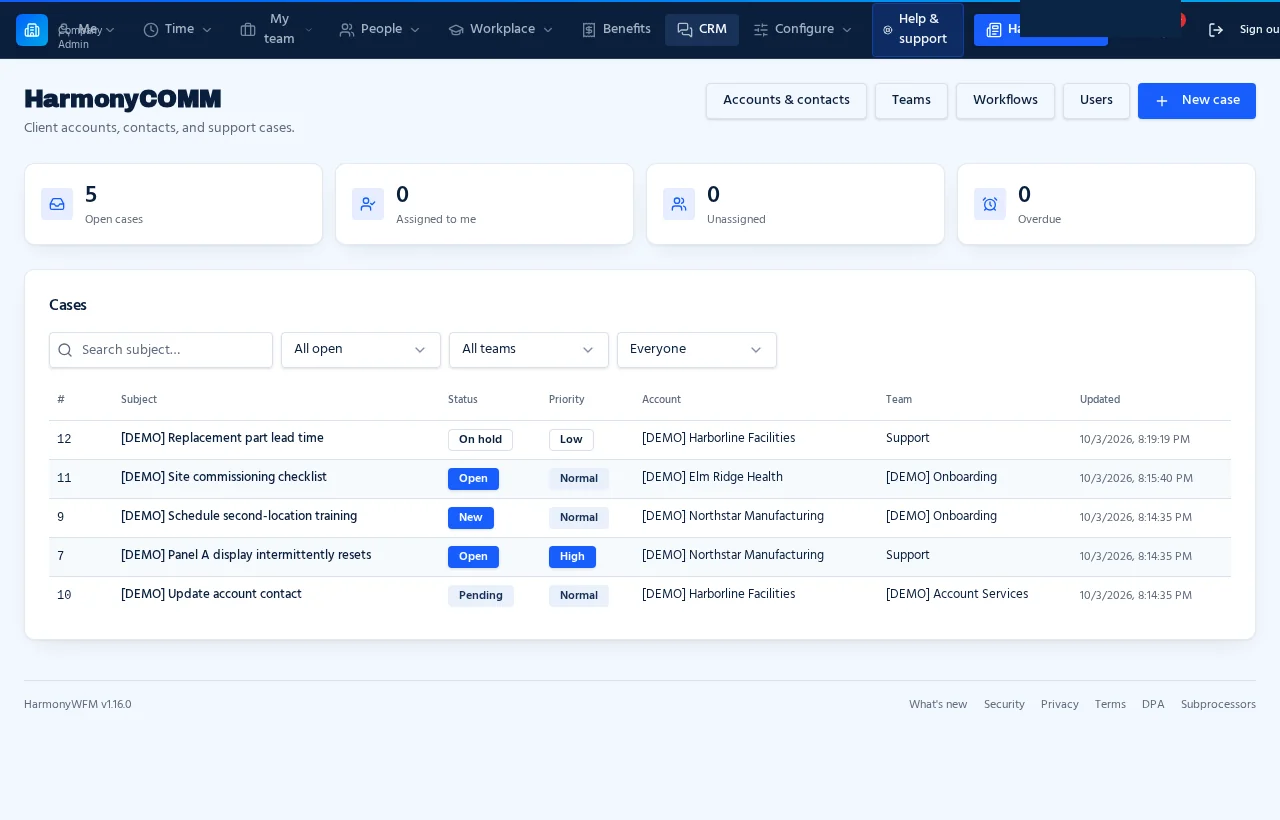
The full picture
Owner view · cases across every team
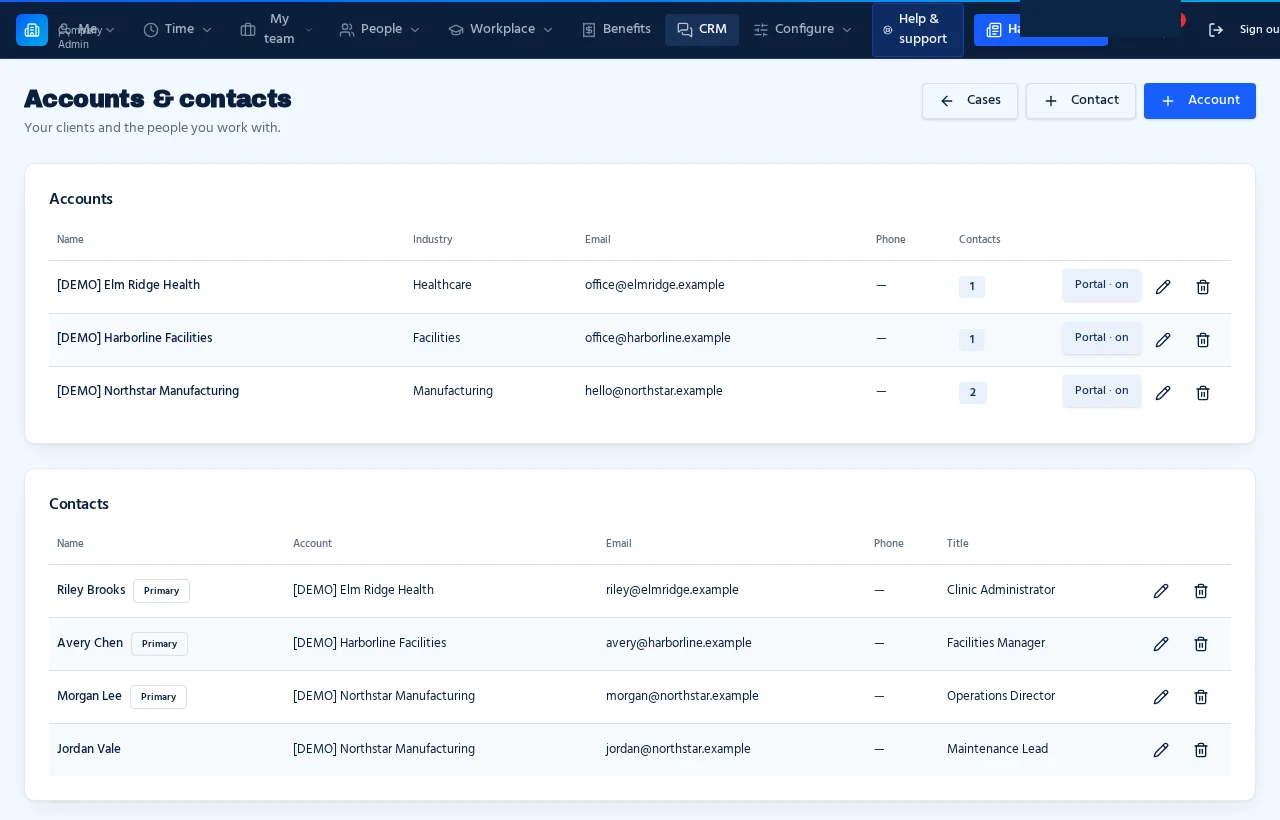
Every client in context
Accounts · contacts · client portals
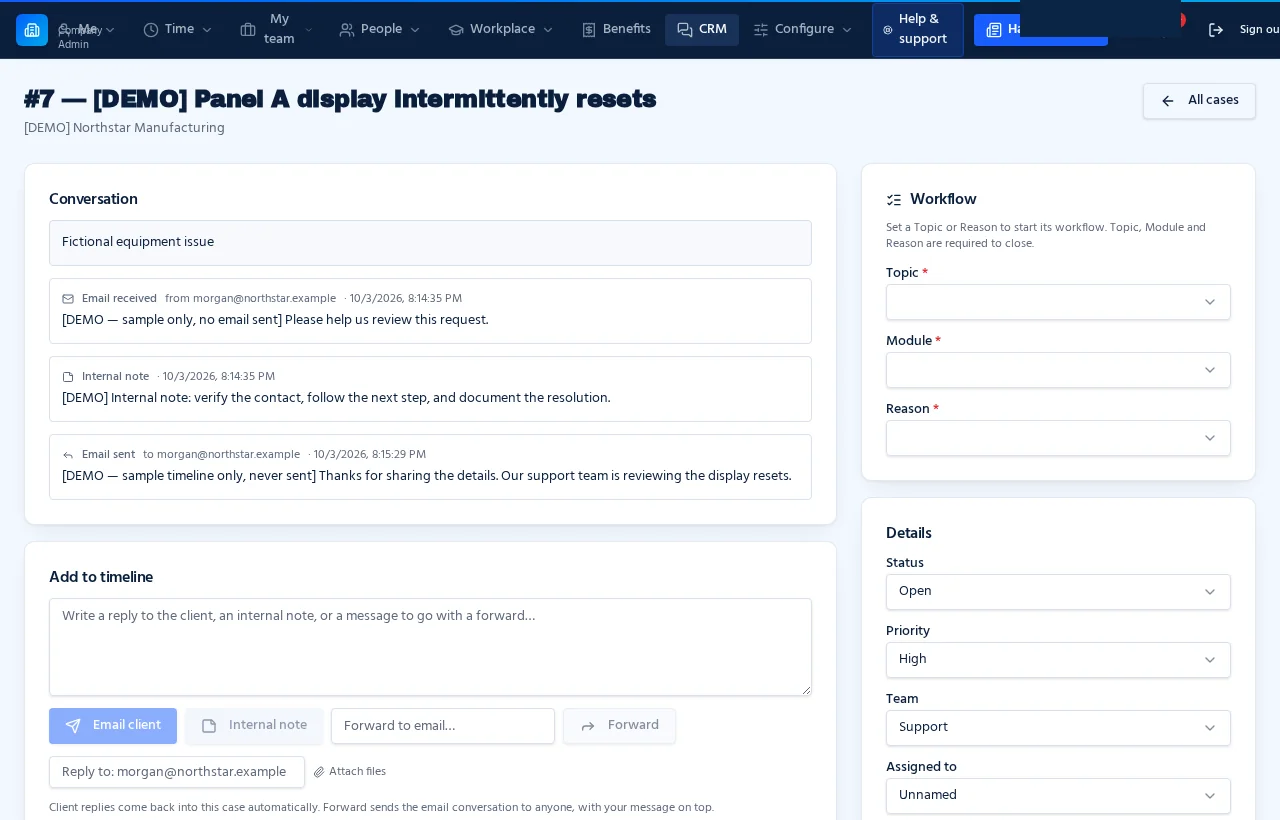
A case from start to finish
Conversation · notes · next steps
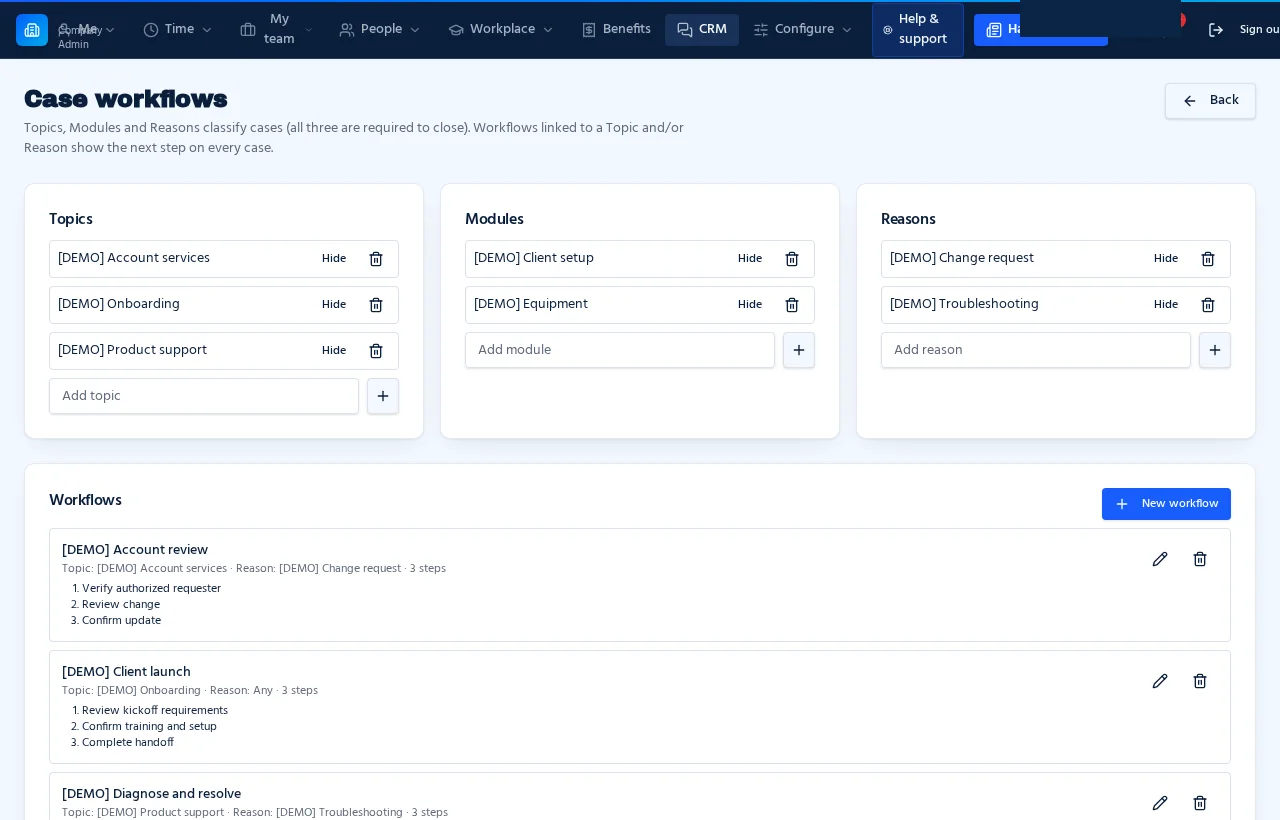
Guidance for the next step
Topics · reasons · workflows
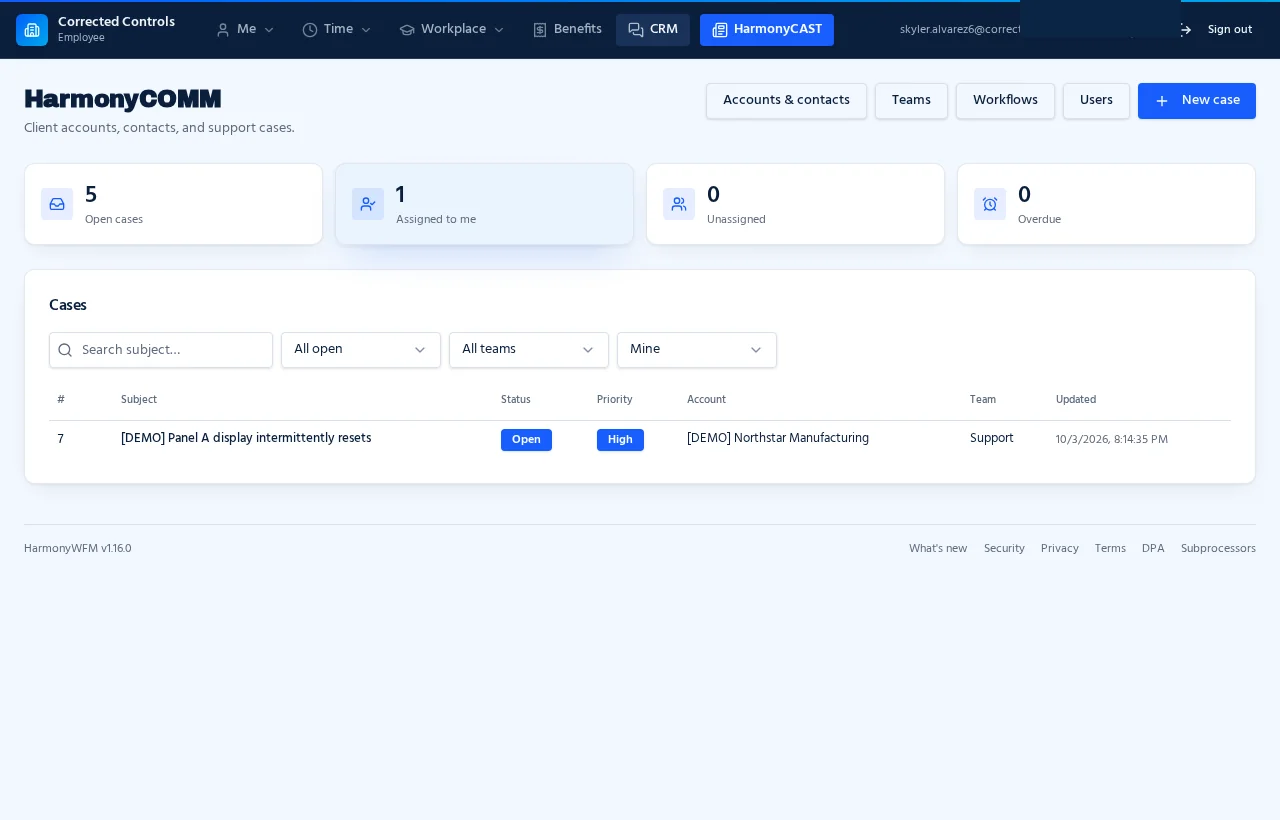
A focused team view
Employee view · assigned cases
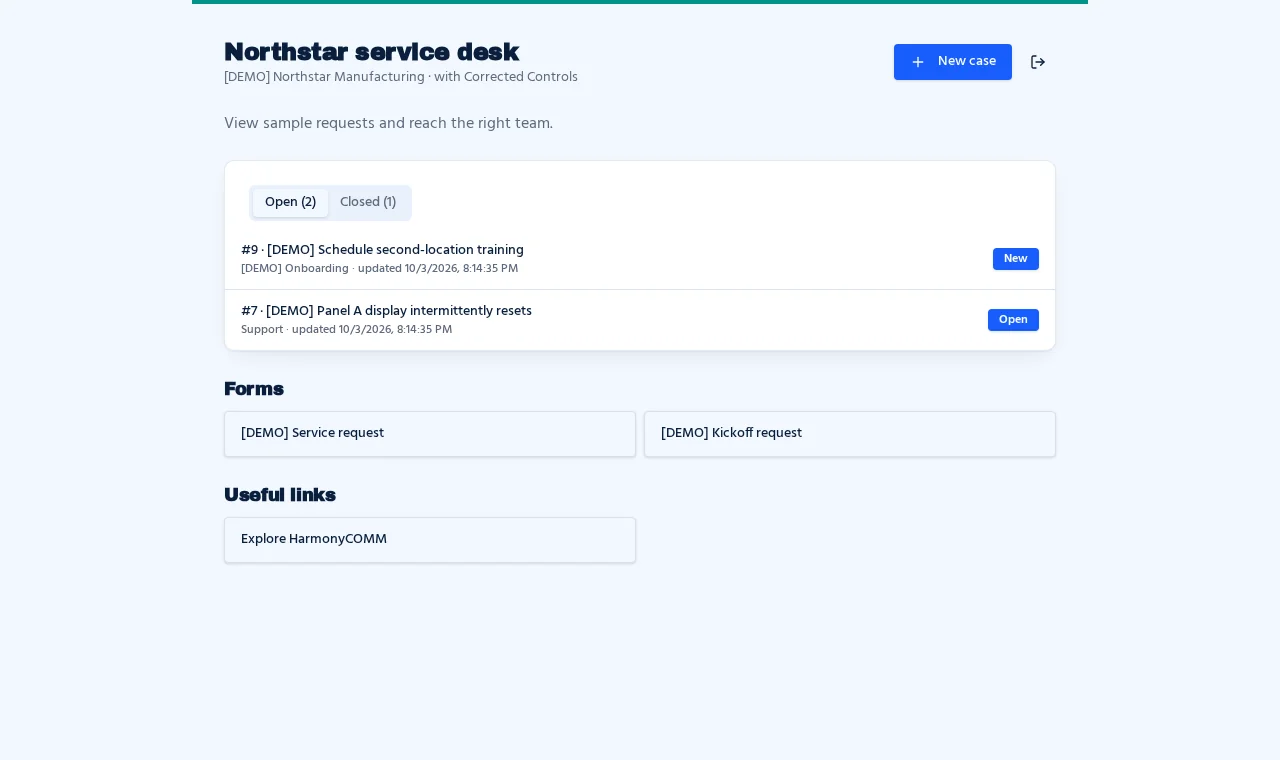
A place for your clients
Customer portal · cases · forms
Built around the relationship
A clearer way to manage every client conversation.
Every request has a home
Team email, portal requests and intake forms become cases with one conversation and one clear owner.
Queues that make sense
Each team gets its own queue and address. Every agent gets My queue. Unassigned work never hides.
Know the next step
Guided workflows assign, call, hand off and spin up child cases — the current step glows until it's done.
SLAs you can see
First-response and resolve goals per team or topic, with Breaching soon and Breached flags on every case.
No double replies
See who else is viewing a case — and who is typing — in real time, so two agents never answer the same email.
Hear how you did
One-click 1–5 star ratings land after every closed case and roll up by agent and team.
Reports that answer questions
Volume, response times, SLA hit rate, satisfaction and busiest hours — filtered by team and date.
A portal that feels like yours
PIN-protected client portals with their cases, your forms and links — no passwords to manage.
Share, then disappear
HarmonySECRETshare links open once, then the content is destroyed.
Standalone or together
One CRM. Your way of working.
Use HarmonyCOMM on its own or alongside HarmonyWFM. Start with your teams, then give clients their own view.
$185/month for up to 25 users · $2 per additional user