
People. Time. Possibilities.
HarmonyWFM
Less busywork.
More human potential.
Bring HR, time and employee workflows together. Give your people a simpler workday—and your business room to grow.
Connected HR. Flexible add-ons. Transparent pricing.
HR Core included in workforce plans
Role-based access & audit trails
Works with your payroll provider
A more connected workday
Built for people.
Ready for business.
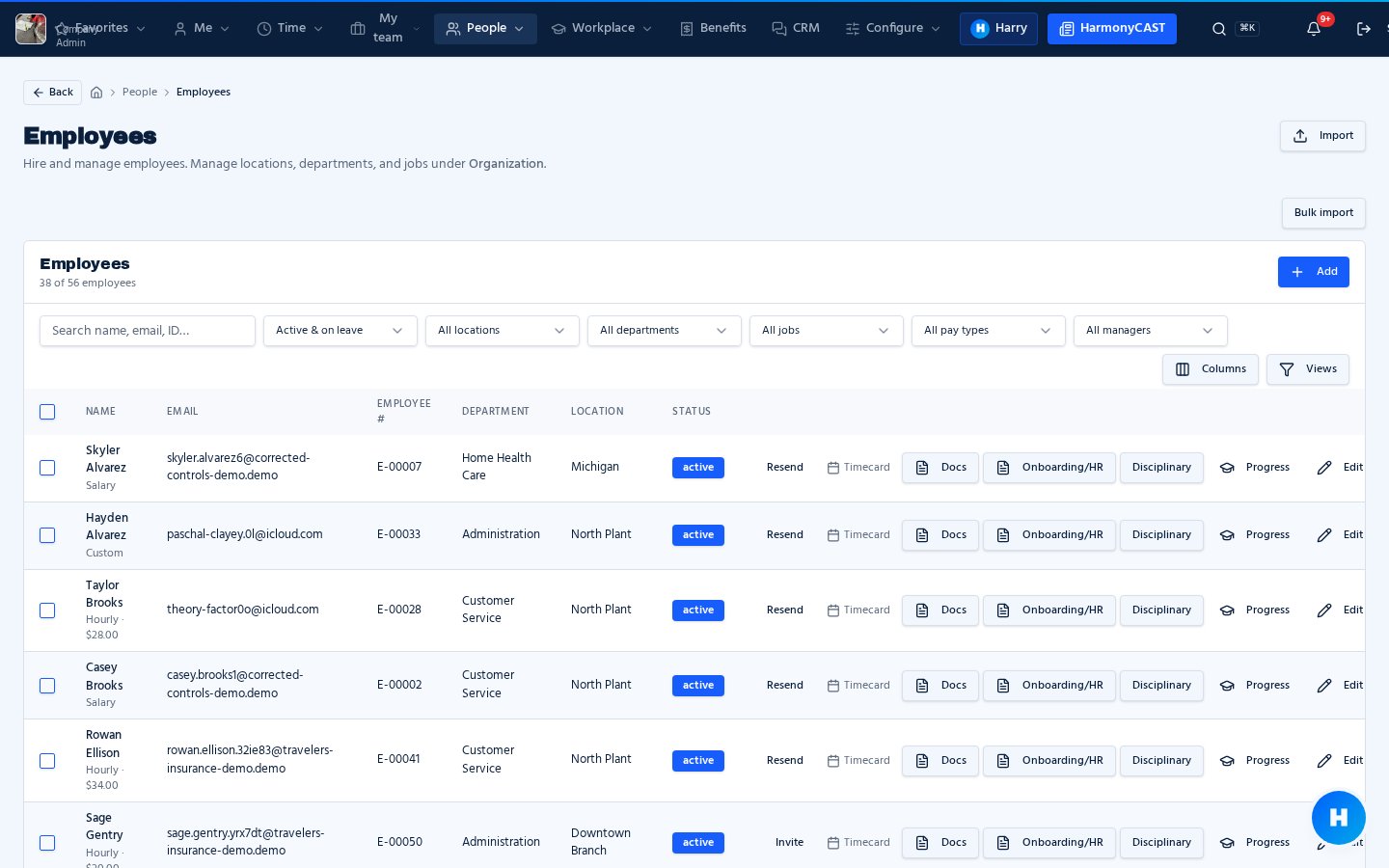
HR & employee experience
Put your people first.
One place for employee records, onboarding, documents and everyday requests.
Employee self-service · E-signatures · Approvals
Time & workforce operations
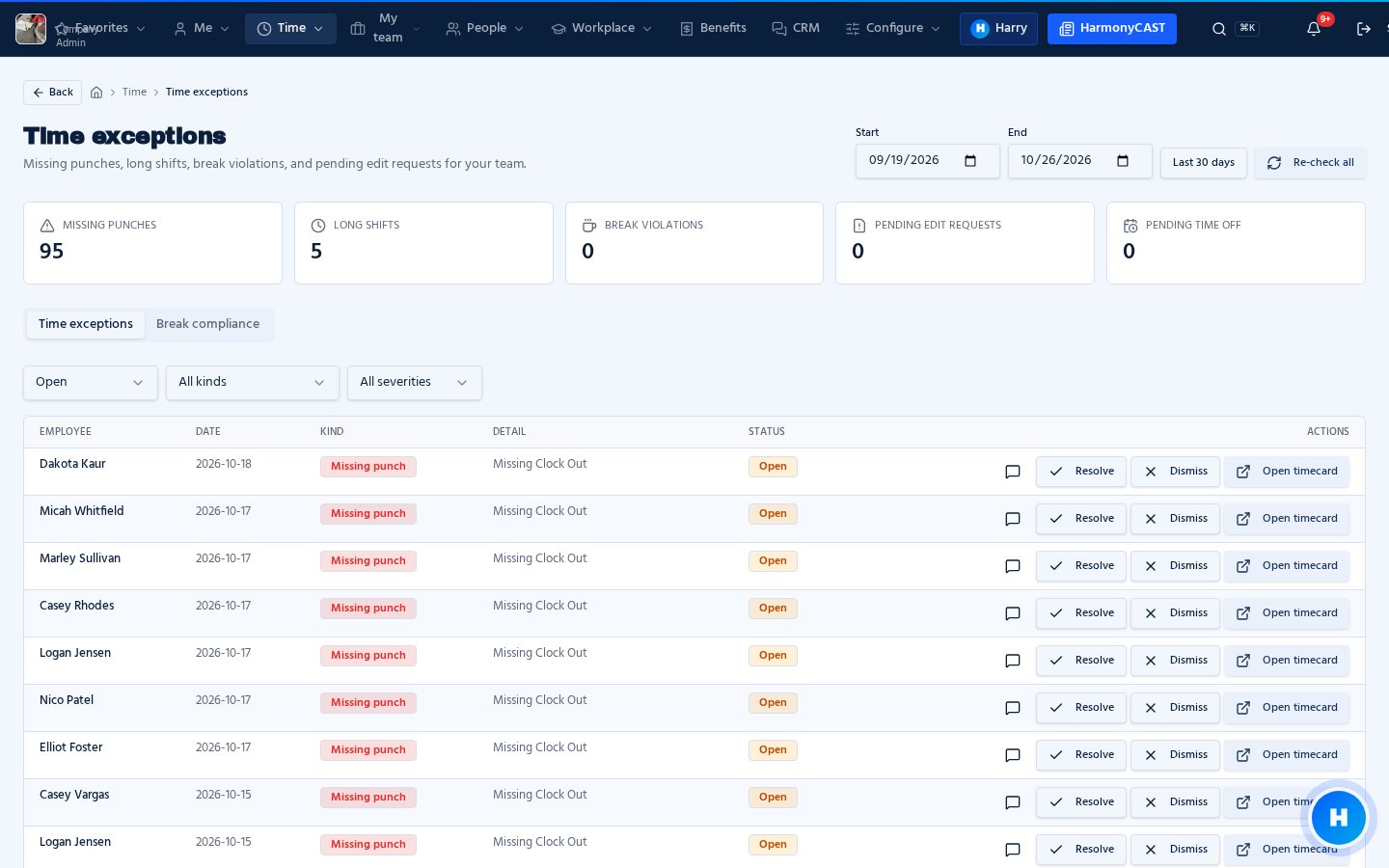
Make every hour count.
Connect time tracking, time off and team approvals. Add scheduling as your needs grow.
Webclock · Timesheets · Payroll exports
Talent & development
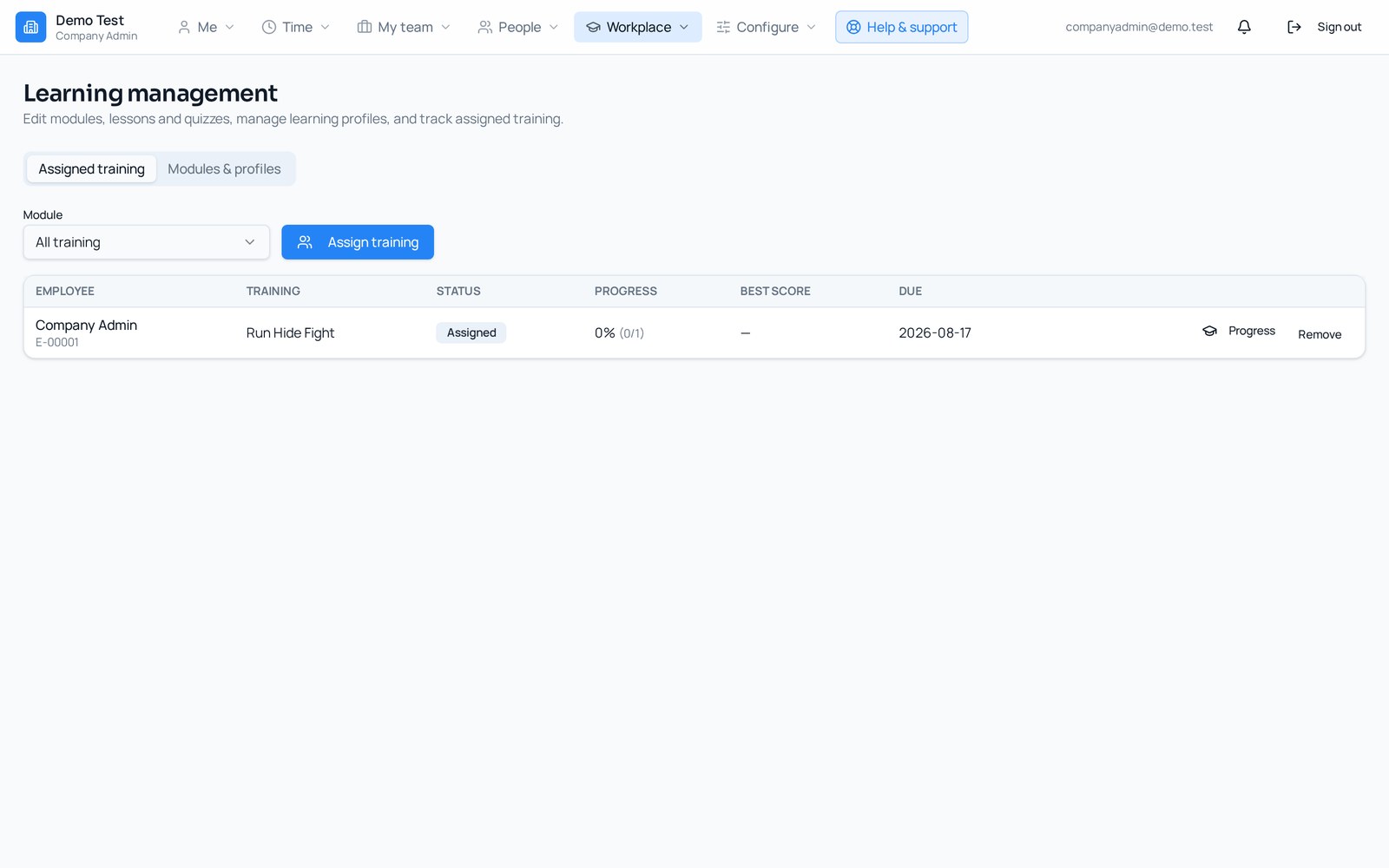
Keep your team moving.
Build a connected employee journey with available recruiting, learning and performance tools.
Hiring · Learning · Goals & reviews
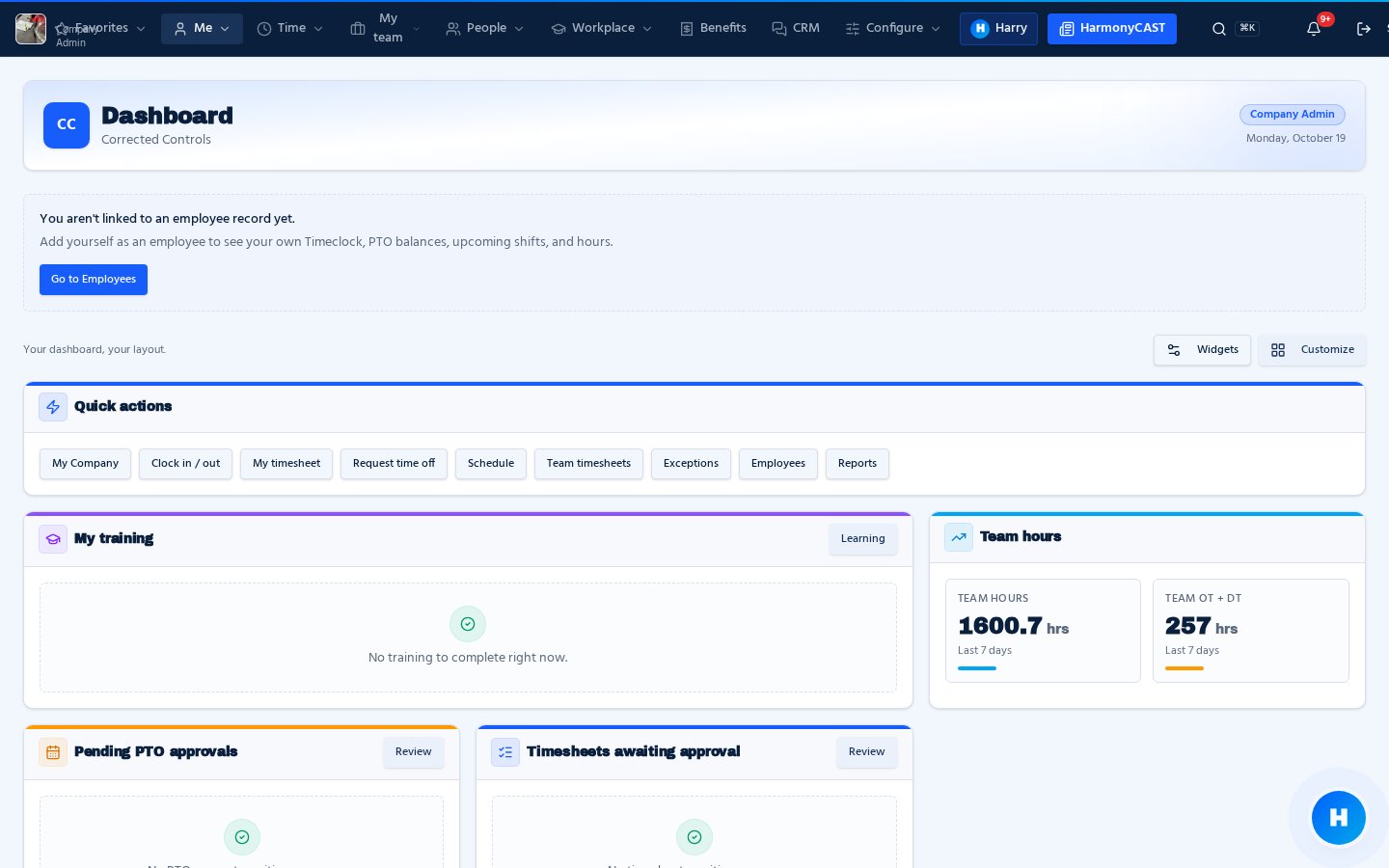
A shared view of your people, without the scattered spreadsheets.
One platform. Your way.
Bring the work together.
Leave the friction behind.
Start with connected employee records and everyday HR. Add the tools your team needs—not another disconnected system.
- Employees manage their information and requests.
- Managers see time, approvals and team activity.
- Admins control access across the organization.
Everything in one place
More of the platform, at a glance.
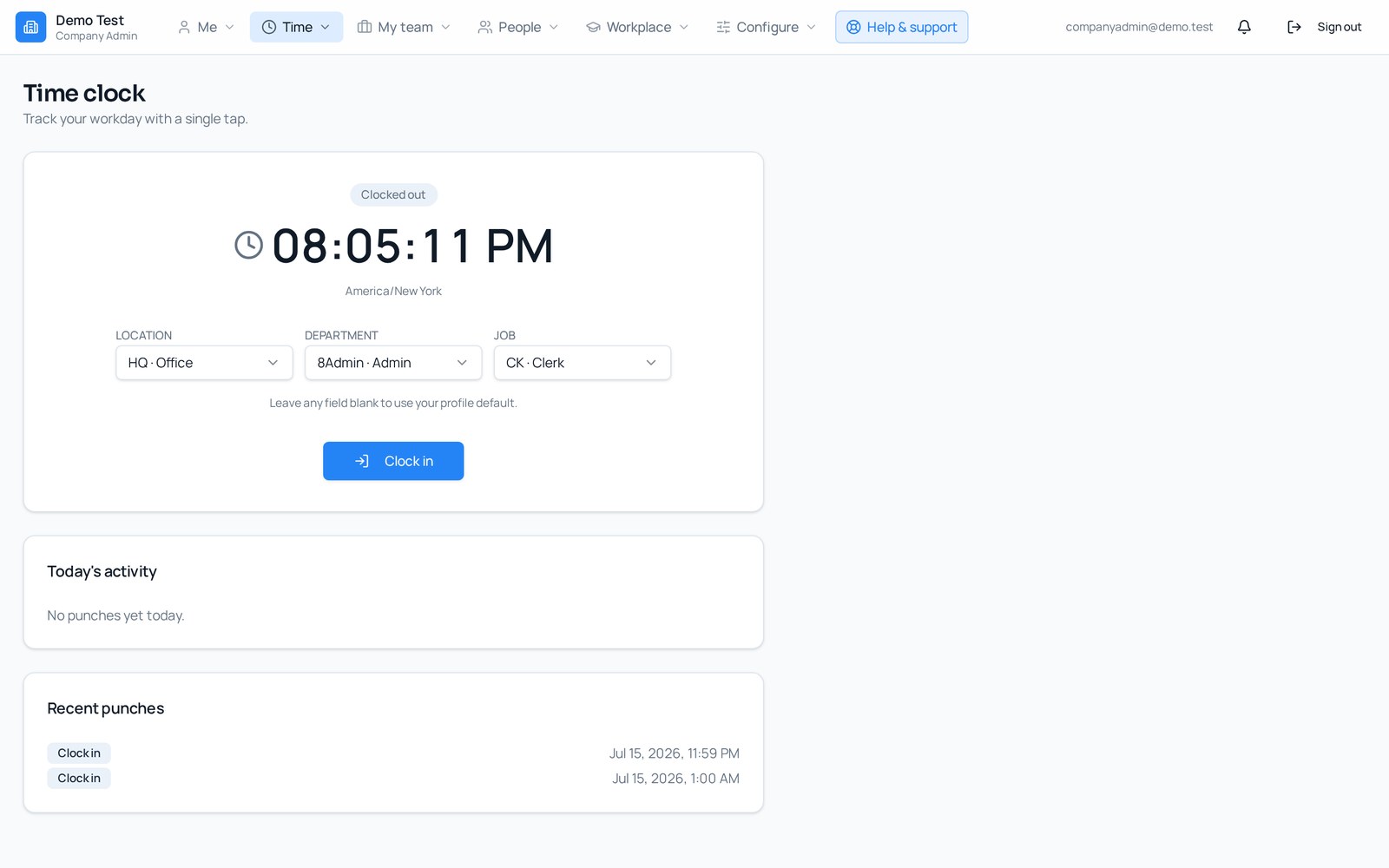
Webclock & mobile punches
Clock in from any device with location and break tracking.
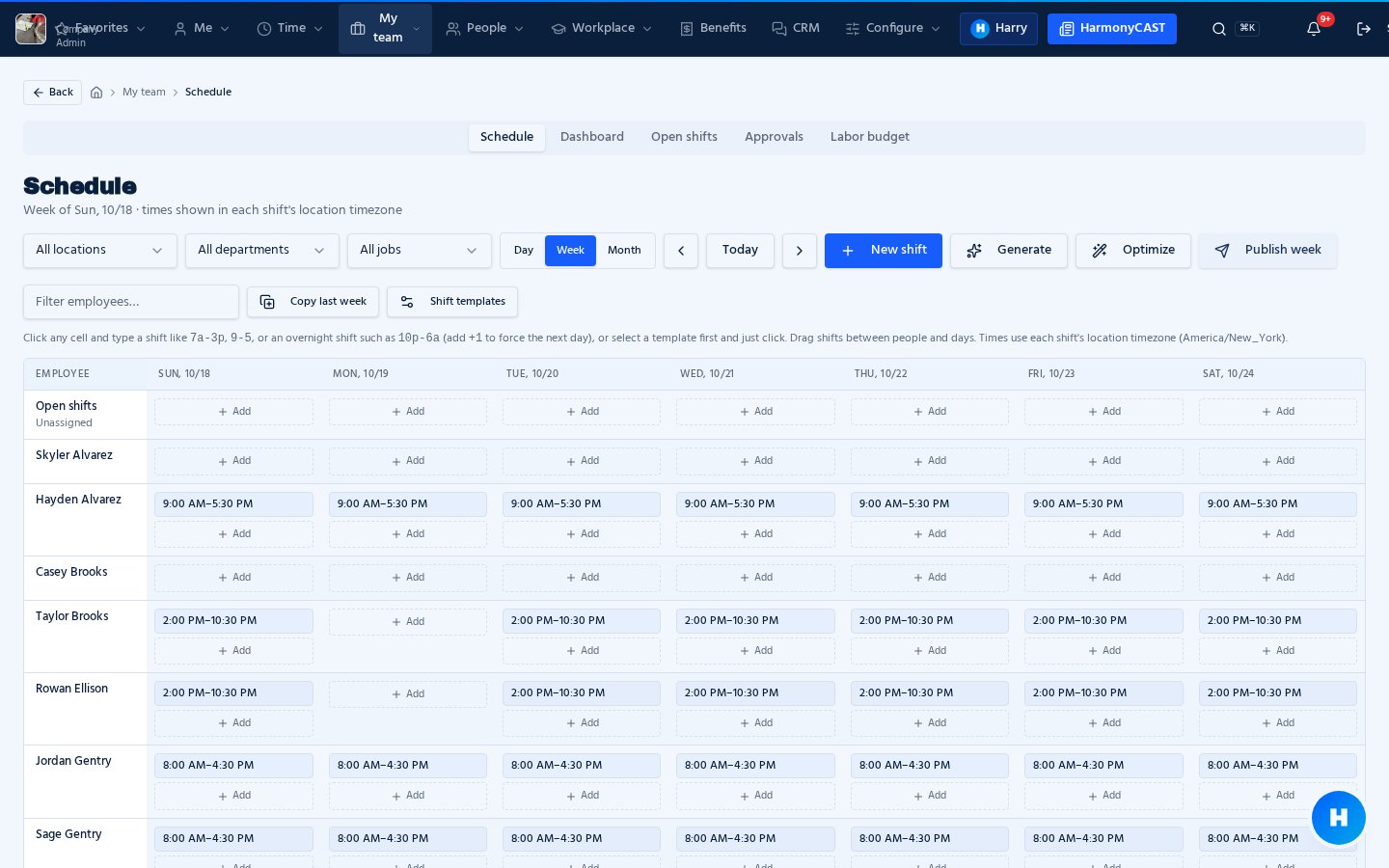
Scheduling
Build shifts, cover open slots and publish to your team.
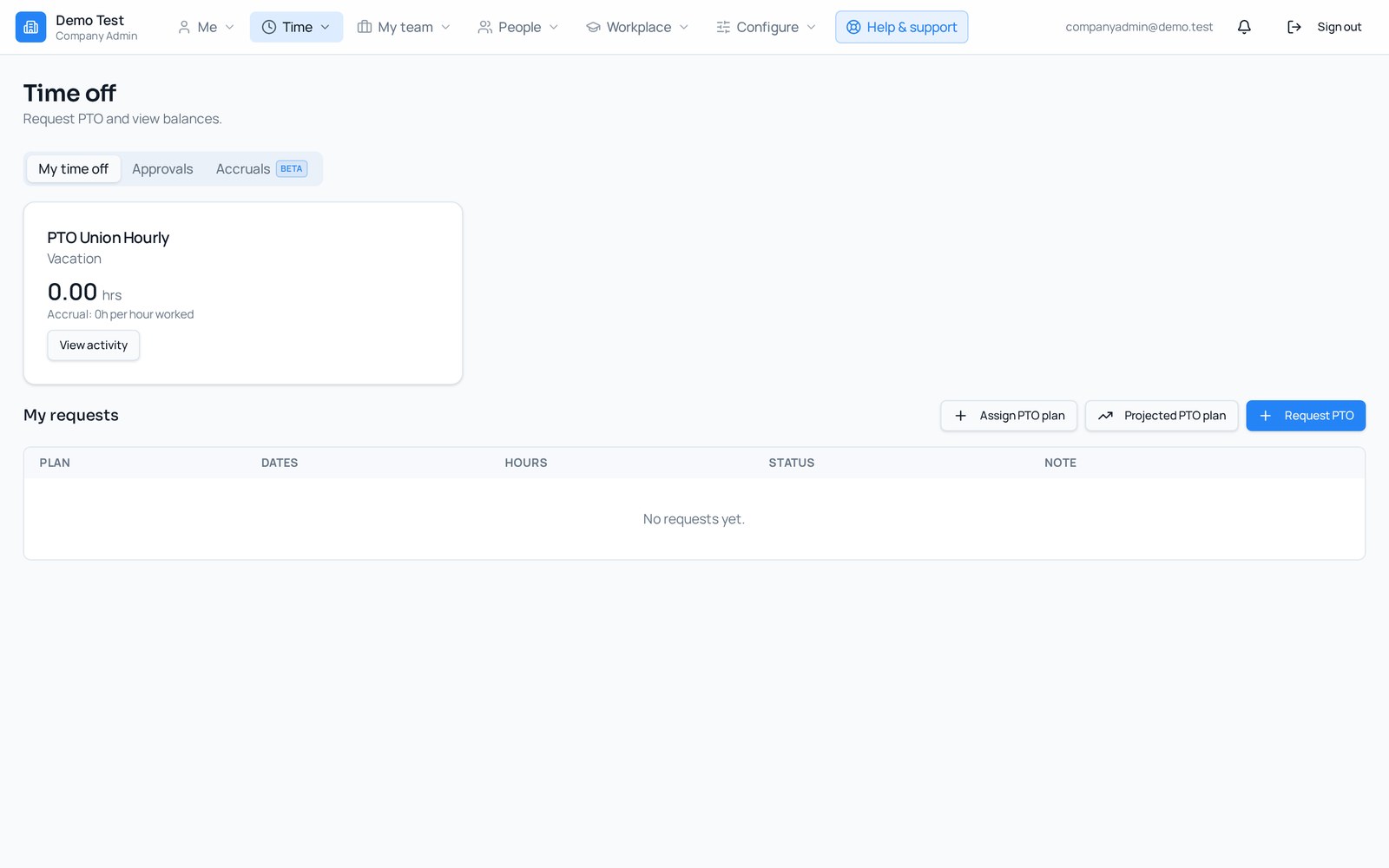
Time off & leave
Request, approve and track balances with accrual plans.
Exceptions & compliance
Catch missed punches, breaks and overtime before payday.
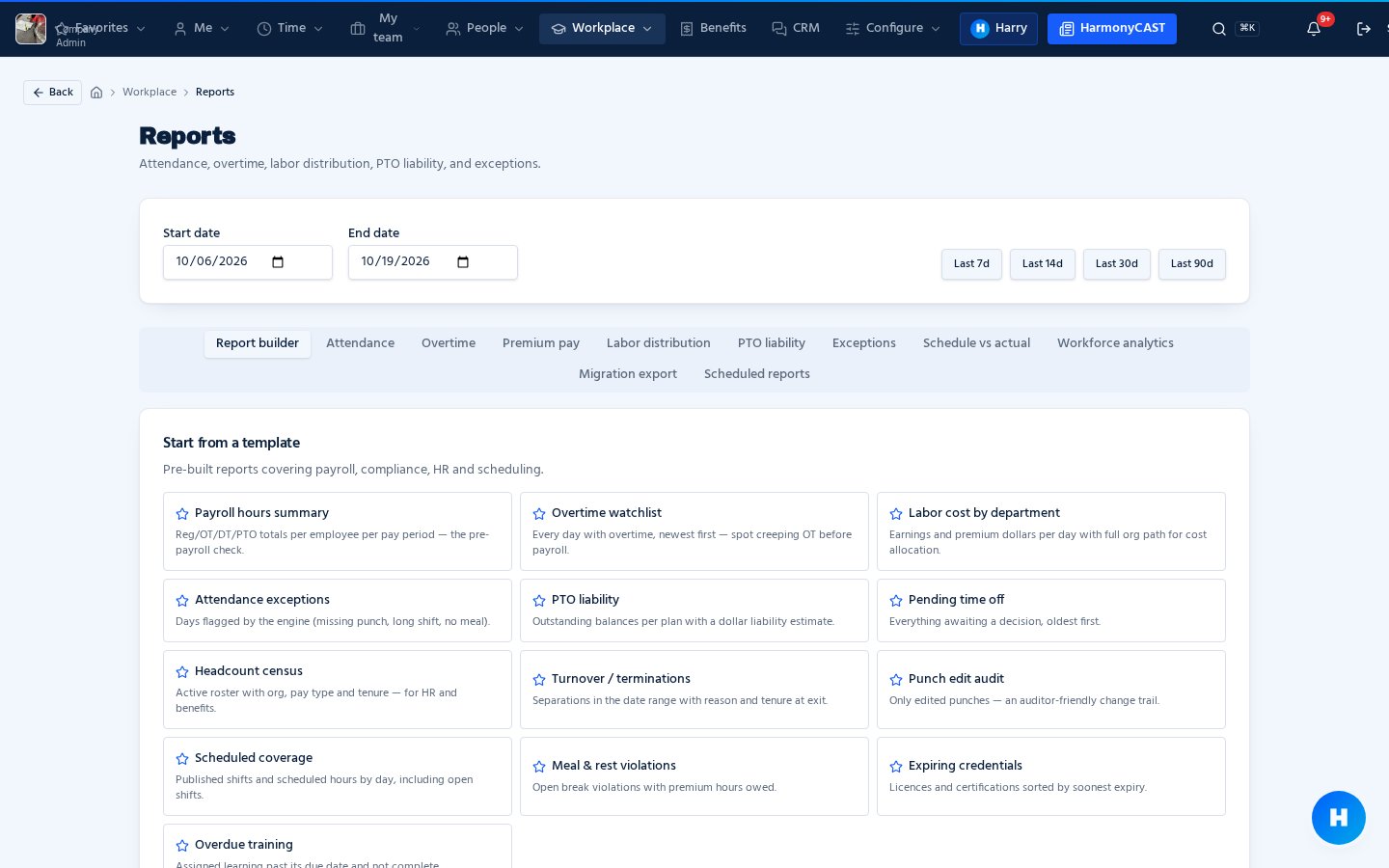
Reports & exports
Hours, labor and payroll-ready exports in a few clicks.
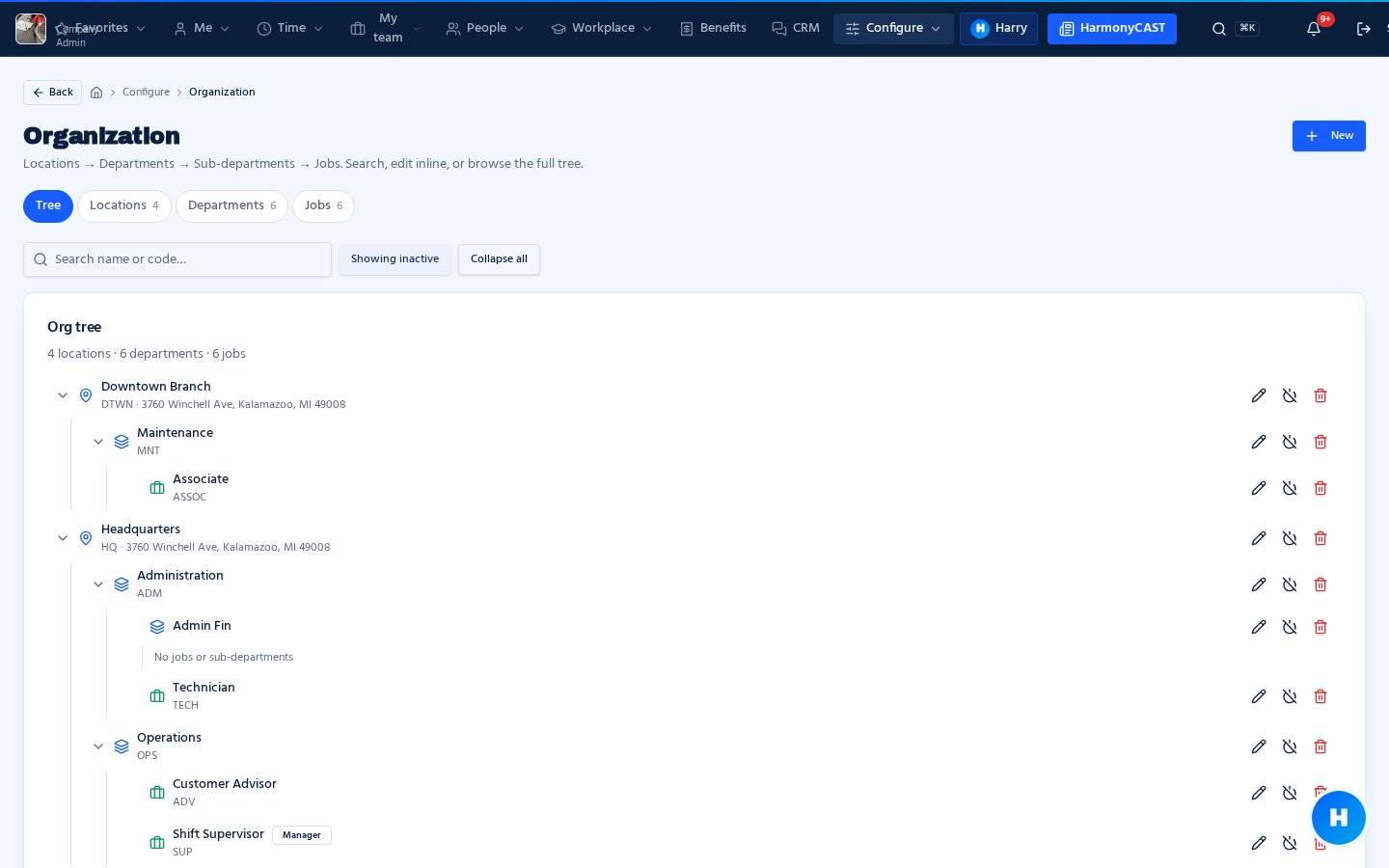
Org structure
Locations, departments and sub-departments with flexible manager coverage.
Role-based dashboards
Everyone sees the tasks, approvals and alerts that matter to them.
New · Workflows
Connect every tool
with visual workflows.
Draw how work moves: boxes for each step, lines for what happens when it's approved or rejected. One workflow can drive many tools.
- Custom forms, time off, missed punches, leave, checklists and performance reviews all run on workflows.
- Route steps to primary or secondary managers, groups or company admins.
- Branch on approval or rejection, send notifications and send forms back for correction.
- Everyone completes their steps from one Workflows tab in Approvals.
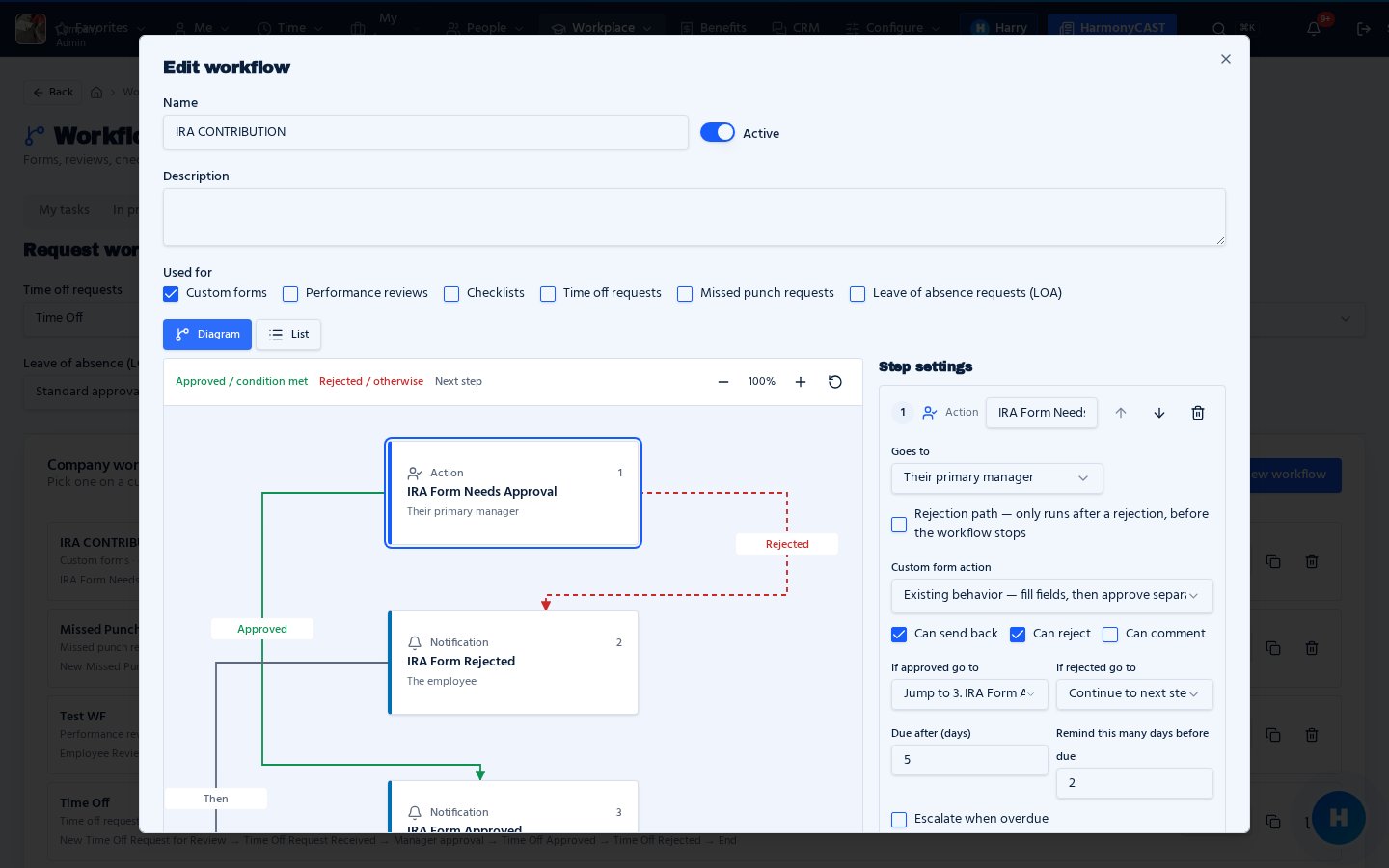
Approved paths in green, rejections in red — build it once, reuse it across tools.
Your next chapter starts here
See what a better workday looks like.
Explore HarmonyWFM with a walkthrough built around your team.